Workspace Layout Techniques for Streamers Coordinating Gameplay, Viewer Communication, and Production Elements
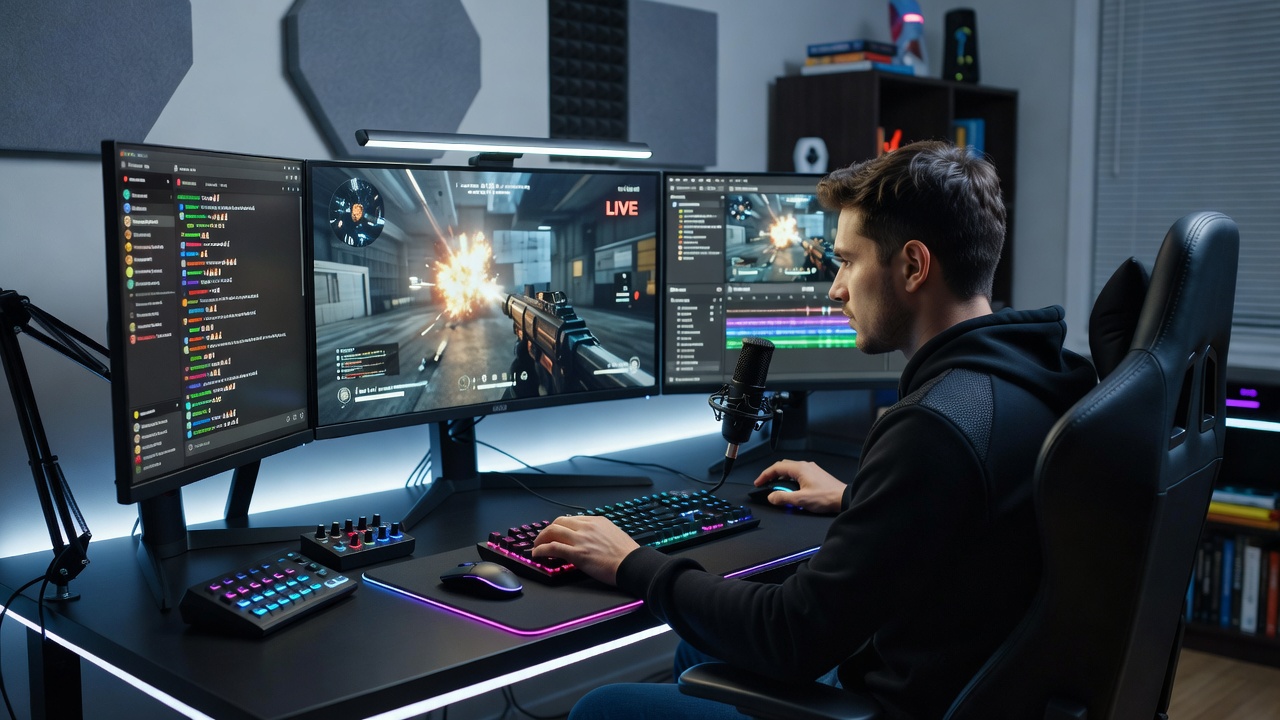
Streamers managing gameplay alongside live chat moderation and broadcast production require spatial arrangements that reduce physical strain while maintaining quick access to all necessary tools, and data from industry reports shows that organized setups correlate with fewer interruptions during extended sessions. Research from ergonomic studies indicates that positioning primary displays at eye level with secondary screens angled for chat overlays minimizes neck movement, whereas peripheral devices such as stream decks sit within a 30-degree reach radius to support fluid transitions between tasks.
Core Principles of Monitor Placement
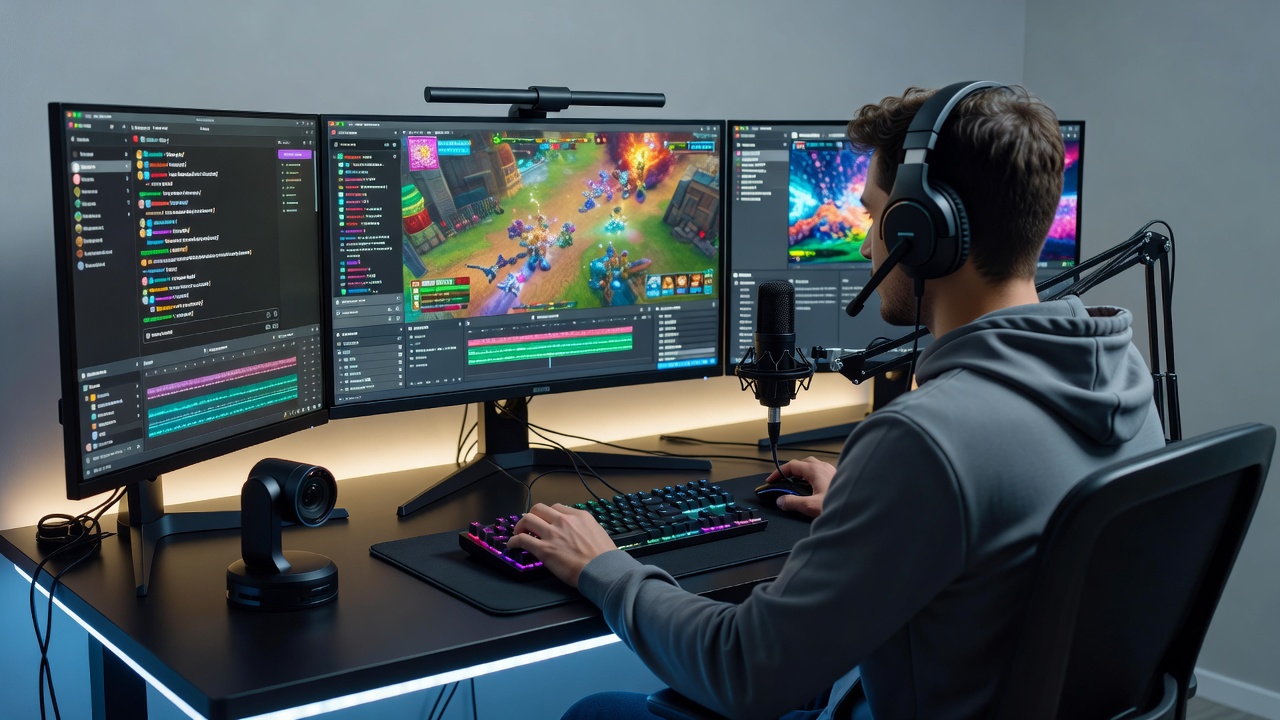
Multiple display configurations form the foundation of these workspaces because they allow simultaneous viewing of game feeds, chat interfaces, and production software without constant window switching. Analysts at the Entertainment Software Association note that streamers often adopt a three-monitor layout where the central screen handles the active game, the left panel displays chat applications, and the right one runs encoding dashboards, yet variations arise based on room dimensions and hardware constraints. Cable routing through under-desk channels prevents tangling that could delay responses during high-intensity moments, and adjustable monitor arms enable fine-tuning of angles throughout a session.
Desk Organization and Reach Zones
Dividing the desk surface into primary, secondary, and tertiary zones helps prioritize items used most frequently, with the keyboard and mouse occupying the central area while audio mixers and lighting controls occupy adjacent spots for rapid adjustments. Observers in workplace design studies have documented that curved desk edges reduce forearm extension during prolonged use, and integrated cable grommets keep power cords separated from data lines to avoid signal interference. Storage solutions such as wall-mounted shelves above the workspace hold reference materials and backup peripherals, freeing surface area for essential equipment without crowding.
Seating adjustments play an equally important role since chairs with lumbar support and height customization maintain spinal alignment during hours of stationary activity, according to guidelines issued by the Canadian Centre for Occupational Health and Safety. Footrests positioned at appropriate angles further support posture when combined with monitor heights that align the top third of each screen at eye level.
Lighting and Environmental Controls
Ambient lighting systems integrated into the layout prevent glare on screens while providing sufficient illumination for camera feeds, and many setups incorporate bias lighting behind monitors to reduce eye fatigue during extended broadcasts. Ventilation considerations become relevant when multiple devices generate heat, prompting placement of intake fans or cooling pads in non-obstructive locations beneath or beside the main desk structure. Acoustic panels mounted on adjacent walls manage sound reflection without encroaching on movement paths, maintaining clear lines of access to all controls.
Integration of Production Hardware
Production tools including capture cards, audio interfaces, and control surfaces require dedicated mounting solutions that keep them stable yet accessible, and modular shelving units positioned to the side allow vertical stacking that conserves floor space. Those who coordinate remote guest integrations often route additional network connections through wall plates to maintain clean desk surfaces while ensuring low-latency performance. Regular assessment of power distribution prevents overload situations, with surge-protected strips labeled for each category of equipment to facilitate quick troubleshooting when needed.
Adaptations for Evolving Workflows
As streaming platforms introduce new features and interaction methods, workspace layouts benefit from modular components that accommodate incremental changes without full redesigns, and telescoping monitor stands permit height modifications as user preferences shift over time. Data collected through productivity tracking applications reveals patterns in task-switching frequency that inform optimal positioning of secondary devices, guiding incremental refinements rather than wholesale rearrangements. These iterative approaches support sustained operation across varied content formats while preserving ergonomic standards established in initial configurations.
Conclusion
Effective workspace arrangements emerge from systematic application of ergonomic data combined with practical hardware placement strategies that address the simultaneous demands of gameplay, audience engagement, and production oversight. Organizations tracking streaming industry trends continue to publish updated recommendations as equipment evolves, providing reference points for ongoing layout evaluations that maintain operational efficiency across different room environments and hardware selections.