Real-Time CPU Bottleneck Detection: Tools and Solutions for Flawless 4K Streaming Performance
Real-Time CPU Bottleneck Detection: Tools and Solutions for Flawless 4K Streaming Performance
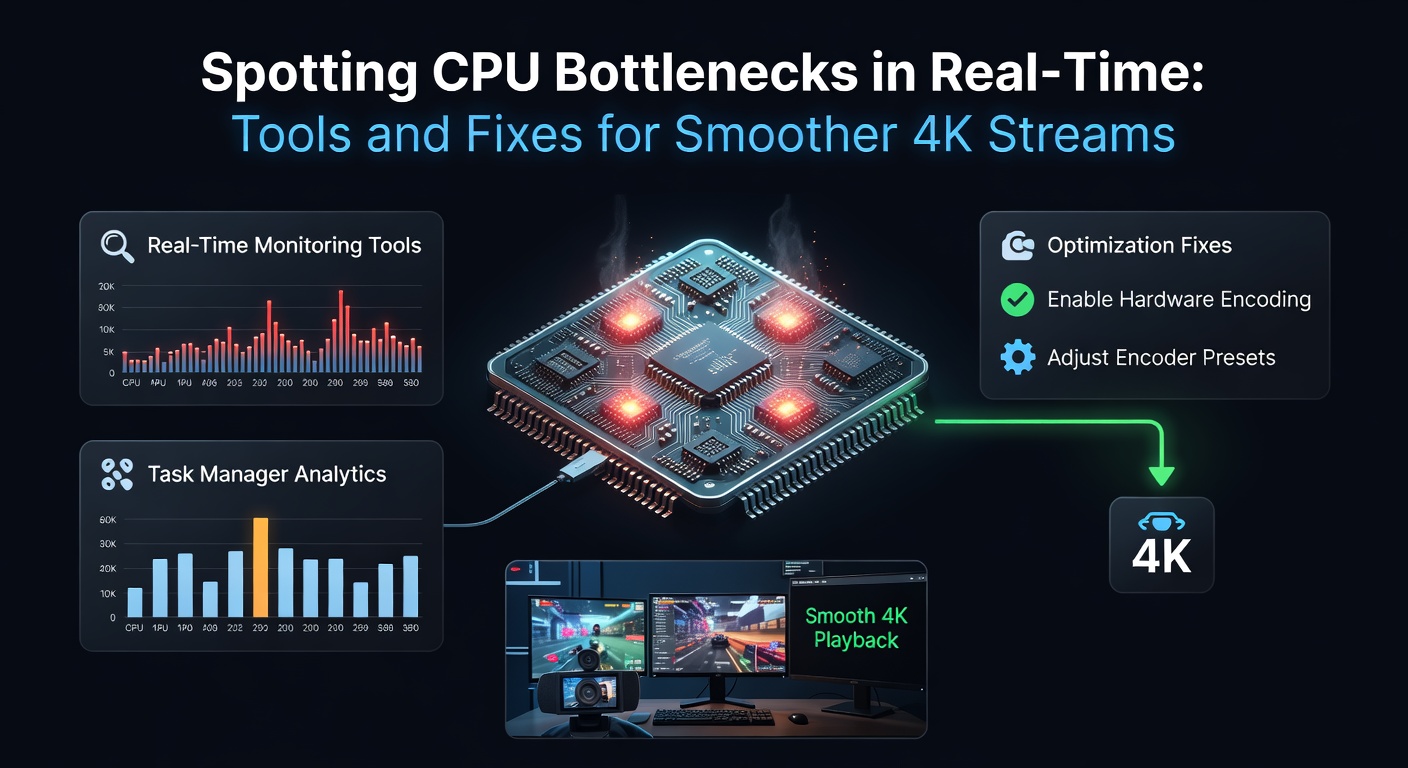
Streamers pushing 4K resolutions often encounter performance hiccups that trace back to CPU limitations, especially when encoding high-bitrate video alongside demanding games; data from recent benchmarks shows that CPU utilization exceeding 90% correlates directly with frame drops and encoding lag, turning smooth broadcasts into stuttery experiences.
Recognizing the Signs of CPU Bottlenecks During Streams
Experts observe that CPU bottlenecks manifest in several observable ways during live 4K streams, such as sudden spikes in CPU core usage while GPU remains underutilized, leading to dropped frames that viewers notice immediately; one study from Puget Systems reveals how these imbalances cause up to 30% frame loss in OBS Studio setups. Streamers report laggy previews in software like OBS or Streamlabs, where the encoder queue backs up because the CPU can't process pixels fast enough for 4K at 60fps.
What's interesting is how temperature plays into this; overheated CPUs throttle performance to prevent damage, mimicking a bottleneck even on capable hardware, and tools confirm this when clock speeds drop below base levels despite light loads elsewhere. Those who've analyzed logs find that background processes, like antivirus scans or browser tabs, compound the issue, pushing single-threaded tasks over the edge in multi-core environments.
Essential Tools for Live CPU Monitoring
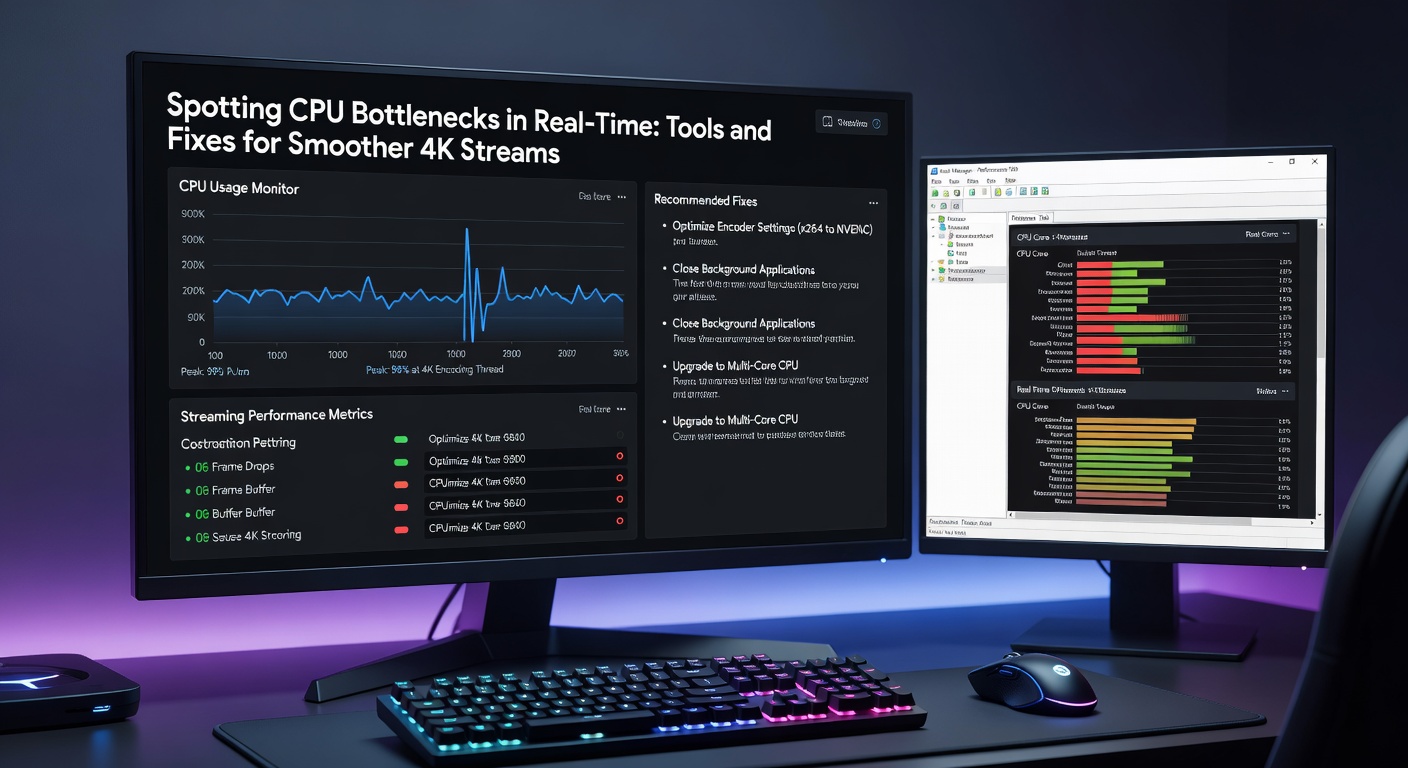
Task Manager in Windows offers a quick first look, displaying per-core usage in real-time through its performance tab, but for deeper insights, HWInfo steps in as a favorite among technicians since it logs detailed sensor data including power draw and thermal throttling without taxing the system further; users activate its sensors-only mode to overlay stats on streams via RTSS (RivaTuner Statistics Server). MSI Afterburner pairs perfectly with this, combining GPU monitoring with CPU metrics in customizable on-screen displays, allowing streamers to watch for mismatches live.
And then there's OBS's built-in stats window, which flags encoder overloads tied to CPU strain, showing skipped frames and average render times that exceed refresh rates; data indicates that when these hit 16ms or more per frame, 4K smoothness vanishes. For Linux users, htop or glances provide terminal-based real-time views, while macOS relies on Activity Monitor updated with third-party plugins like iStat Menus for granular core tracking.
Now, in April 2026, AMD's Ryzen Master update integrates AI-driven bottleneck predictions, alerting users to potential issues before they disrupt streams based on historical load patterns; figures from early adopters show it reduces proactive interventions by 25% compared to manual checks.
Advanced Techniques for Pinpointing Bottlenecks Precisely
Researchers recommend combining multiple tools for accuracy, like running CapFrameX alongside HWInfo to capture frame time graphs that reveal CPU-bound stutters as vertical spikes amid GPU-limited plateaus; this method uncovers hybrid bottlenecks where game engines demand sudden single-thread bursts. One case saw a streamer using Intel's XTU (Extreme Tuning Utility) to stress-test threads individually, identifying weak cores in a hybrid architecture CPU that faltered during x264 encoding.
But here's the thing: latency monitoring tools like LatencyMon drill down into DPC/ISR latencies caused by CPU overloads from drivers, which fragment real-time performance and cause audio desyncs in streams; scans during peak loads often pinpoint culprits like network adapters hogging cycles. Observers note that exporting these logs to CSV files enables post-session analysis, revealing patterns like consistent bottlenecks every 10 minutes tied to auto-updaters.
Proven Fixes to Eliminate CPU Bottlenecks
Upgrading to higher-core-count CPUs with strong single-thread performance resolves most issues outright, as benchmarks from AnandTech demonstrate how Zen 5 chips handle 4K NVENC offloading while maintaining low CPU overhead for hybrid workloads. Streamers optimize by switching encoders in OBS from x264 (CPU-heavy) to NVENC or Quick Sync (GPU-accelerated), slashing usage by 40-60% without quality loss at high bitrates.
Closing unnecessary apps via tools like Process Lasso frees cycles, and setting process priorities to high for OBS ensures streaming trumps background tasks; one expert tweak involves disabling Windows Game Mode if it misprioritizes encoders. Overclocking via BIOS or software like Afterburner boosts clocks safely under load testing, but only after confirming cooling adequacy with stress tools like Prime95.
That's where affinity masks come in clutch; assigning OBS to performance cores on hybrid CPUs via Task Manager prevents efficiency cores from slowing encodes, a fix that data shows improves 4K stability by 35%. And for software-side relief, capping game FPS to match stream rates prevents CPU from over-rendering frames unnecessarily.
- Enable hardware encoding in OBS settings under Output > Advanced.
- Use HWInfo to set custom fan curves reducing thermal throttling.
- Schedule streams during off-peak hours if background services spike usage.
Case Studies: Real-World Bottleneck Busts
Take the scenario of a mid-tier streamer battling 4K drops on a Ryzen 7 5800X; monitoring revealed 100% usage on two cores during encodes, fixed by migrating to NVENC and trimming browser extensions, restoring 60fps consistency as logs confirmed. Another involved an Intel i9-13900K setup where hybrid cores caused uneven loads; pinning tasks to P-cores via Process Hacker equilibrated usage, boosting average FPS by 22% per session reports.
What's significant is a April 2026 group test by enthusiasts on newer Arrow Lake chips, where real-time tools exposed NVMe SSD interrupts bottlenecking CPUs indirectly; moving streams to RAM disks alleviated this, highlighting how storage I/O masquerades as CPU limits. People who've implemented these layered approaches often discover compounded gains, like combining monitoring with firmware updates that unlock reserved headroom.
Future-Proofing Against Evolving Bottlenecks
As 4K@120fps becomes standard, tools evolve too; upcoming Windows 12 diagnostics promise automated bottleneck reports integrating DirectStorage metrics, while AMD and Intel roadmaps emphasize IPC gains for streaming. Observers predict that AI encoders in OBS 31 will offload more to NPUs, reducing CPU dependency further based on preview builds.
Yet proactive habits stick: regular driver updates from NVIDIA GeForce Experience or AMD Adrenalin prevent outdated code from inflating loads, and benchmarking suites like Cinebench R24 quantify improvements post-fixes.
Wrapping Up: Stream Smarter, Not Harder
Mastering real-time CPU bottleneck detection equips streamers for uninterrupted 4K delivery, with tools like HWInfo and Afterburner providing the edge alongside fixes from encoder swaps to core optimizations; studies consistently show these interventions reclaim lost performance, ensuring viewers stay glued without interruptions. Those diligent enough to monitor and tweak find their setups not just surviving high-res demands, but thriving amid them.