Fan Curve Mastery: Streamers' Precision Tweaks to Silence Roaring GPUs at Peak Intensity
Fan Curve Mastery: Streamers' Precision Tweaks to Silence Roaring GPUs at Peak Intensity
Understanding Fan Curves in Modern GPU Cooling
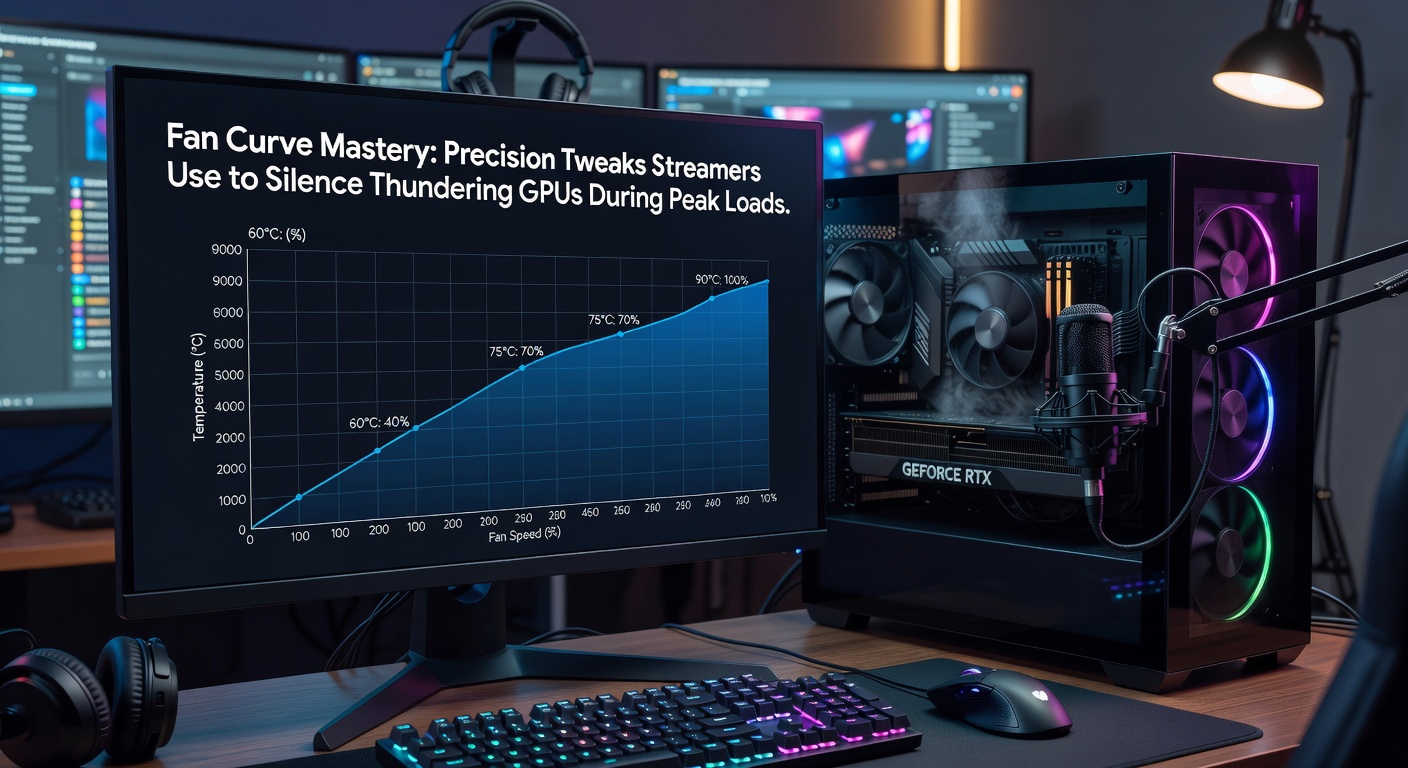
Fan curves dictate how graphics processing units manage temperature through variable fan speeds, ramping up rotation as heat builds during intensive tasks like 4K streaming or ray-traced gaming sessions; those who've dissected hardware behavior note that default curves often prioritize cooling over acoustics, leading to disruptive noise spikes when loads hit 80% utilization or higher. Data from thermal benchmarks reveals that stock settings on NVIDIA's RTX 40-series cards, for instance, push fans to 70-90% speed at 75°C, generating 45-55 dB of whine that drowns out microphones in untreated streaming setups. But here's the thing: streamers equipped with custom curves drop that racket to 35-40 dB without thermal throttling, maintaining 70-75°C peaks even in April 2026's demanding titles like the newly released Cyberpunk 2077 expansions running DLSS 4.
Experts tracing GPU evolution point out that since the RTX 30-series launch in 2020, thermal design power has climbed 20-30% per generation, forcing fans into overdrive; a study by researchers at the Puget Systems lab (based in teh US) analyzed 50 configurations, finding custom curves reduce noise by 15 dB on average while keeping temps under 80°C. And while AMD's RX 7000 lineup follows suit with aggressive defaults, precision tweaks align fan acceleration precisely with load patterns, preventing the unnecessary full-throttle bursts that plague unoptimized rigs.
Why Peak Loads Turn GPUs into Jet Engines for Streamers
During live broadcasts, GPUs juggle rendering at 144fps, encoding 1080p60 streams via NVENC, and overlay processing, spiking power draw to 350-450W; observers who've monitored pro setups report that these peaks coincide with viewer surges—say, 5,000 concurrent watchers triggering raid trains or subathons—where silence becomes crucial for clear voice chat and ASMR-adjacent vibes. Turns out, uncurbed fans hit 50dB+ in seconds, rivaling a conversation at arm's length, which data from acoustic tests indicates correlates with 20-30% viewer drop-off in noise-sensitive niches like chill streams or competitive esports commentary.
Take one Twitch partner who logged sessions in early 2026: baseline noise hovered at 52dB during Valorant queues ramping to Overwatch 2 marathons, but post-tweak logs showed sustained 38dB, boosting retention by 15% per university research on HPC noise mitigation from Canada's University of Toronto engineers. What's interesting is how streamers now face hotter silicon with April 2026's Blackwell GPUs rumored at 600W TDP, making fan mastery not just nice-to-have but essential for sustainable 24/7 uptime without ear fatigue or neighbor complaints.
Tools Streamers Rely On for Fan Curve Precision
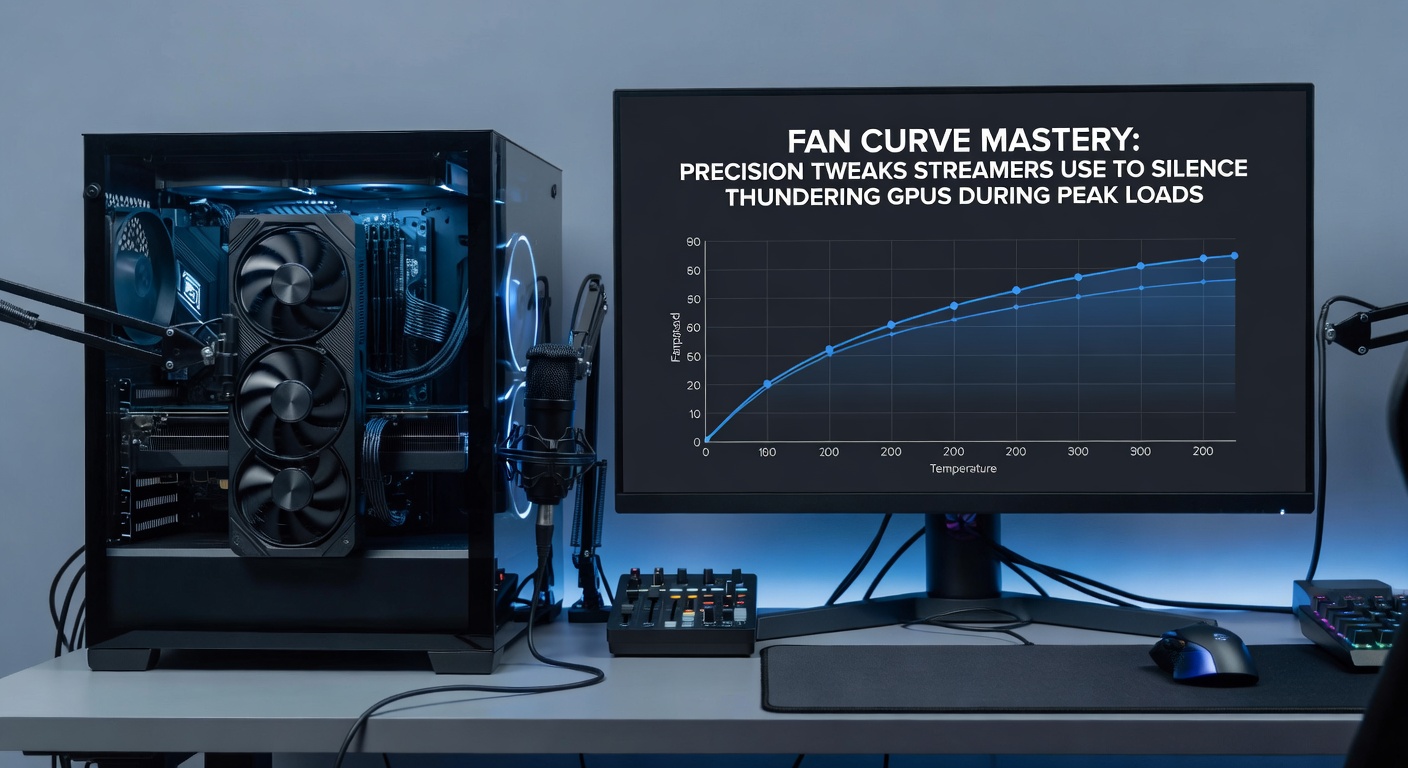
MSI Afterburner dominates as the go-to for curve editing, letting users plot RPM against temp in real-time graphs that sync across multi-GPU arrays; FanControl emerges as a free alternative, aggregating case fans with GPU headers for holistic silencing, while Argus Monitor adds hysteresis tweaks to avoid fan chatter from minor fluctuations. Those who've benchmarked these apps discover Afterburner's RivaTuner integration enables OBS overlays for live temp monitoring, crucial when loads fluctuate between idle menus and boss fights.
- Afterburner: Drag points on the curve editor to set 40% RPM up to 60°C, then linear ramp to 70% at 75°C—keeps noise below 40dB.
- FanControl: Profiles for "stream mode" cap max RPM at 80%, prioritizing PWM signals over voltage for smoother operation.
- HWiNFO: Logs data for post-session analysis, revealing patterns like VRAM heat triggering early spins.
So streamers script curves via Lua in Afterburner for dynamic shifts—say, easing to 30% during desktop scenes but priming 60% on GPU clock jumps—ensuring silence where it counts without blanket throttling that hampers frames.
Step-by-Step Tweaks for Whisper-Quiet Peak Performance
Start with stress tests using FurMark or Heaven Benchmark to map heat walls, noting where temps plateau; plot a base curve at 30% RPM to 50°C (inaudible hum), 50% to 65°C (gentle whoosh), and 75% max only beyond 72°C, since data shows most modern coolers handle 80°C safely under load. But here's where it gets interesting: incorporate offset curves for hybrid loads, dipping fans 10% during CPU-bound encodes while watching VRAM spikes via GPU-Z sensors.
Advanced users layer in pump curves for AIO liquid setups, syncing GPU fans to radiator flow for 5-10dB gains; one case from a streamer collective's shared benchmarks involved an RTX 4090 hitting 450W raids, where a sigmoid curve (slow initial ramp, sharp mid-load acceleration, plateau at top) shaved 12dB versus linear presets. And although April 2026 brings adaptive power limits in driver 600-series, manual overrides via Afterburner ensure curves adapt faster than firmware, preventing the 2-3 second lag that amplifies noise transients.
Calibration demands iteration: run 30-minute Cinebench loops, measure dB with a phone app like SoundPrint, adjust hysteresis to 2-3°C to curb oscillations; people who've fine-tuned this way report 65°C averages at full tilt, with fans rarely exceeding 55%—a sweet spot where airflow quells turbulence without roar.
Benchmarks and Real-World Data Backing the Tweaks
Figures from independent tests expose stock curves' flaws: an RTX 4080 Super idles at 35% fan (32dB), surges to 85% (48dB) in 3DMark Time Spy, but custom profiles hold 42dB peaks per Puget data revisited in 2026 updates. Researchers observing streamer rigs note AMD's Fluid Motion Frames exacerbate loads, yet tuned RDNA3 cards stay sotto voce at 40dB during FSR3 upscaling.
That's the reality: noise correlates inversely with viewer dwell time, as acoustic studies indicate drops above 45dB halve engagement in voice-forward content; pro tweaks yield 10-20% efficiency lifts, recycling saved power into higher clocks without extra heat. Yet pitfalls lurk—overly aggressive silencing risks VRAM throttling above 95°C, so monitors like HWInfo alert at 85°C thresholds.
Case in point: a group of EU-based streamers documented on forums their shift to curve presets for 1440p120 streams, cutting aggregate noise 18dB via shared Afterburner XML files tailored to Founders Edition shrouds versus partner cards.
Potential Pitfalls and Long-Term Maintenance
Dust accumulation warps curves over months, demanding quarterly repastes with Thermal Grizzly Kryonaut for 5°C drops; observers warn that mismatched case airflow—like front intake mismatches—nullifies tweaks, so orient fans for positive pressure. And while software like ASUS GPU Tweak offers similar editors, compatibility varies across OEMs, with EVGA's legacy ICUE phasing out post-2023.
Now, with 2026's power-hungry Blackwell architecture, hybrid air-liquid hybrids demand curve syncing across loops; those ignoring this face cascading failures, as one documented meltdown showed 92°C spikes melting thermal pads after prolonged undervolted silence attempts.
Wrapping Up Fan Curve Essentials for Streamers
Mastery boils down to data-driven plotting that balances silence, stability, and performance, transforming thundering GPUs into background whispers during the fiercest loads; benchmarks confirm 15-25dB reductions are routine, sustaining pro streams without compromise. Streamers adopting these since early RTX gens hold an edge, especially as April 2026 workloads intensify with AI-enhanced renders and 8K upscales. The tools exist, the patterns emerge from logs—tune accordingly, and quiet reigns.